NICE Wingo 3524 drive kit for a single-leaf gate up to 3.5 m / 500 kg
TOP| Product availability: | In stock | We normally dispatch goods within 24 hours. |
|---|
in stock
€416.23 including VAT
| Weight |
|---|
| 12 kg |
Description of NICE Wingo 3524 drive kit for a single-leaf gate up to 3.5 m / 500 kg
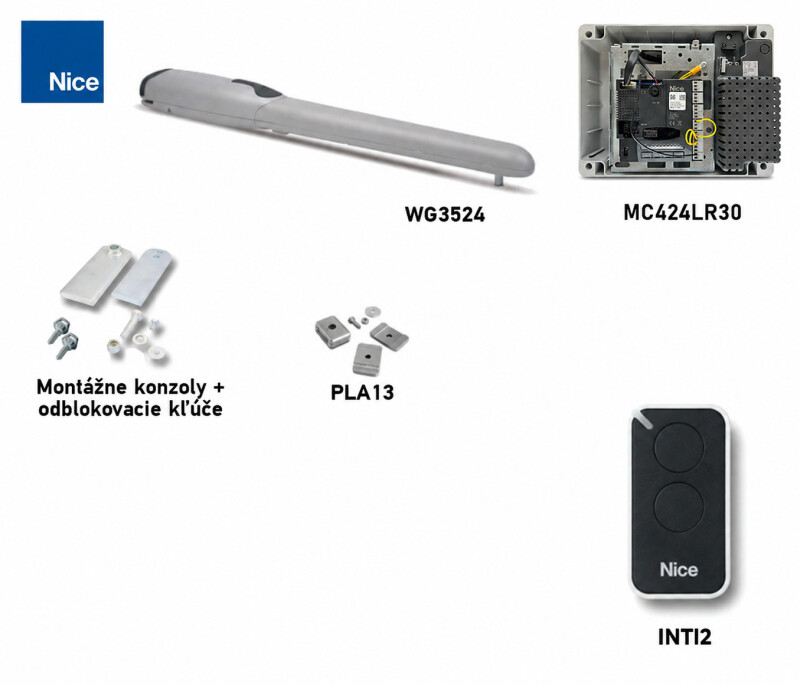
Drive unit NICE Wingo WG3524 is designed to automate swing gates with a maximum leaf length of 3.5 m and weight up to 500 kg. The operator is based on 24V and has PLA13 mechanical opening stop. The operator is non-reversible. Operators Wingo are a good value-for-money choice for automation of swing gates in private and light industrial settings. The entire Wingo family is reliable and quiet. Detailed technical specifications ». Download the manual ». NICE Wingo WG3524 includes a new control unit MC424LR30 which has a control board MCA2R30 with a built-in receiver; the receiver slot has been retained in case you want to use an older receiver with your remotes already programmed.
| The set includes: | NICE-WG3524B1 | |||
|---|---|---|---|---|
 |
1 × | NICE Wingo WG3524 operator | NICE-WG3524 | |
|
NICE Wingo WG3524 electromechanical operator, suitable for gate leaves weighing up to 500 kg and measuring up to 3.5 m. |
Details  |
|||
 |
1 × | NICE MC424LR30 control unit | NICE-MC424LR30 | |
|
The control unit in the Moonclever design housing contains the control board MCA2R30 with a built-in receiver. The operators and accessories connect to the control unit, which is an essential part of the automation system. |
Details |
|||
 |
1 × | NICE Era INTI2 remote control | NICE-INTI2 | |
|
Two-button remote control for operating a gate automatically from a distance. You can use it to control two devices, or send two different commands to one device. |
Details |
|||
 |
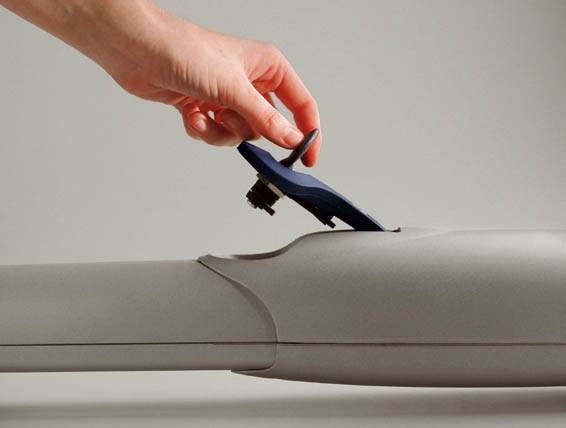
2 × | Release key | ||
|
In the event of a power failure, use it to release the operator so the gate can be moved manually by pushing or pulling. |
||||
 |
1 × | NICE Wingo WG3524 installation manual | ||
|
Installation manual for a successful setup, with illustrative wiring diagrams and instructions for programming and pairing remote controls. |
Download |
|||
| 1 × | Installation accessories | |||
|
Components for installing the operator: front and rear brackets for welding. |
||||
(Is this operator right for me?)
Compare with other operators:
| « Lower-powered set | Alternative operator | More powerful set » | |||||
|---|---|---|---|---|---|---|---|
|
NICE Wingo WG2024 operator set
|
230V NICE Wingo operator:
Price quote and delivery available to order. |
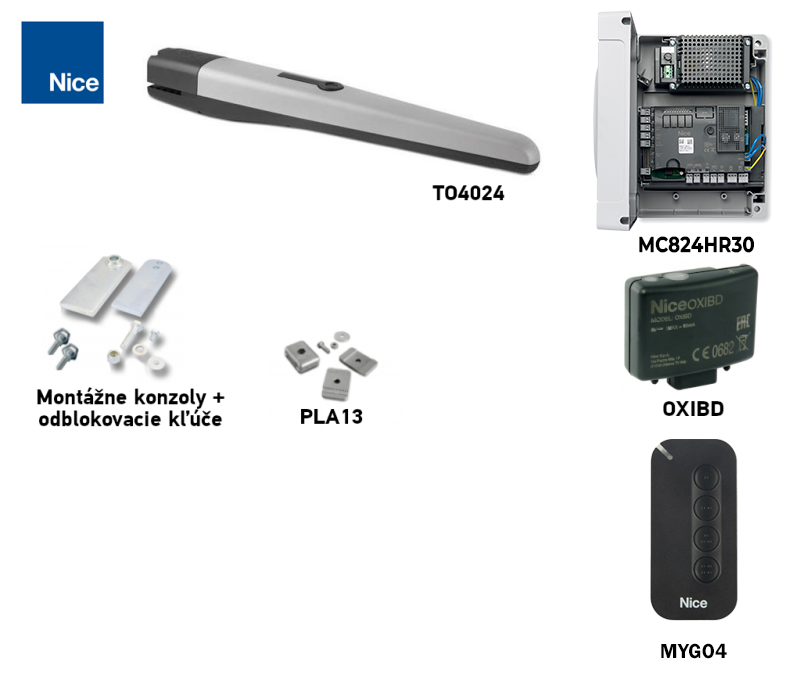
NICE Toona 4 TO4024 operator set
|
OPERATOR FEATURES NICE WINGO WG3524
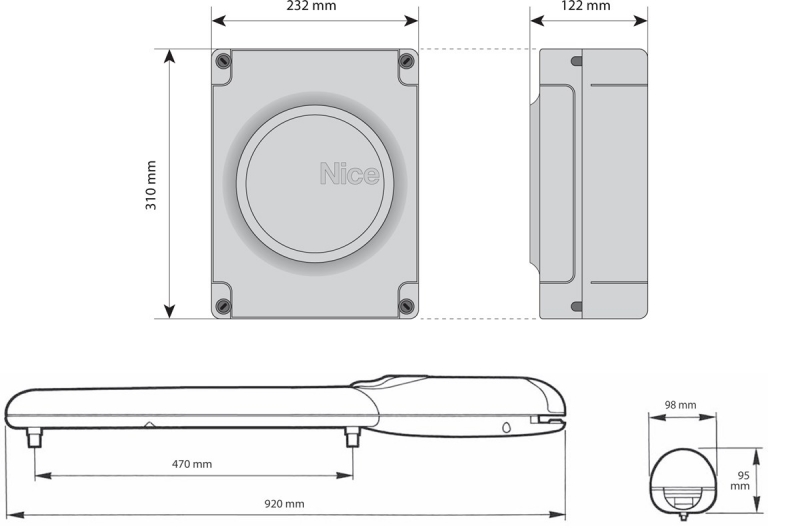
The operator features a two-piece body made of die-cast aluminium with a polyester finish that withstands the elements. All internal moving parts are made of steel, light alloys and technopolymers. The drive nut is made of bronze to ensure strength and quiet operation. The start capacitor is housed inside the operator for easier installation. The operators are dimensionally backward-compatible with the previous Moby and Pluto series from the Italian manufacturer NICE; all mounting dimensions and pin diameters are the same. The operator uses 24V, making it better suited to situations involving more frequent use than the 230V version. However, it is not suitable for windy locations, especially with solid, opaque gate infill.
Control unit MCA2R30 in the control panel MC424LR30 allows easy programming, automatic detection of end positions, automatic fault diagnosis, pause-time adjustment in automatic closing mode, pedestrian access, deceleration before reaching the end positions, an obstacle impact detection system, and emergency operation when using the PS124 backup power supply, using the connection cable CABLA11, input for all types of safety edges and much more.
ACCESSORIES COMPATIBLE WITH THE NICE WINGO WG3524 OPERATOR
We also recommend purchasing these optional accessories compatible with the operator:
| What | Why | Type |
|---|---|---|
| Control panel | The operator's control electronics. | |
| Flashing light | Flashes to indicate gate movement—useful at exits with limited visibility. Also includes an antenna for greater remote-control range. |
Alternatively, any flashing lights with a 12V–24V power supply from other manufacturers. |
| Photoelectric cells | They detect obstacles while the gate is closing and stop its movement, preventing it from hitting vehicles or people. | |
| Transmitter | For remote control of the gate. | |
| Receiver |
For remote control of the gate. In the control unit MCA2R30 the receiver is already built in. These additional receivers are optional extras. |
|
| Antenna |
For better remote-control range. |
|
| Keypad |
If you forget your remote control, or if many vehicles or people visit your premises and you don't want to give everyone a remote or open the gate yourself. |
|
| Key switch |
Operate the gate with a key using a switch connected to the drive by cable, wherever you choose to install it. |
|
| Card readers |
Operate the drive by presenting a card or key fob to the card reader. |
|
| Electric locks |
Safety electric locks are synchronized with the drive via the control unit. When a command is sent to the drive, the electric lock unlocks first, and only then does the gate start to open. The lock engages again once the gate has closed. Required for gate leaves longer than 3.5 m. |
|
| Backup power supply |
Backup power source. |
NICE WINGO WG3524 DRIVE MANUAL
NICE drive manual Wingo WG3524 download here:
NICE Wingo WG3524 drive manual

NICE Wingo drive photo gallery
|
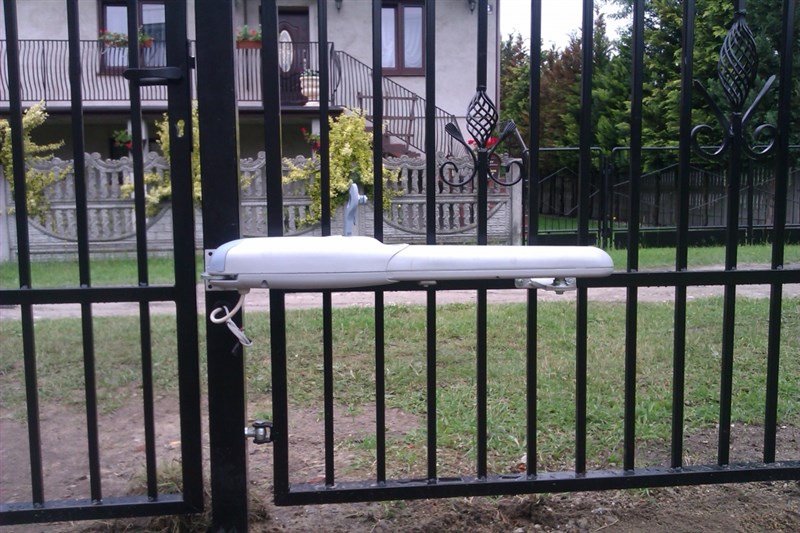
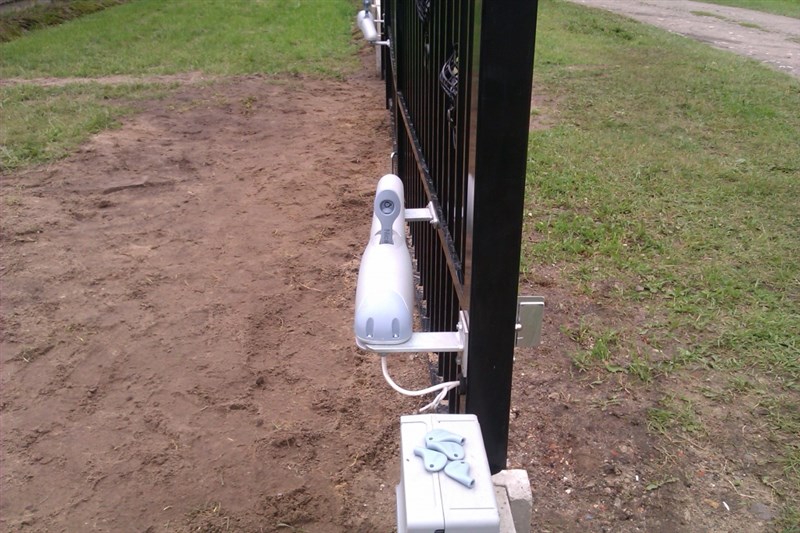
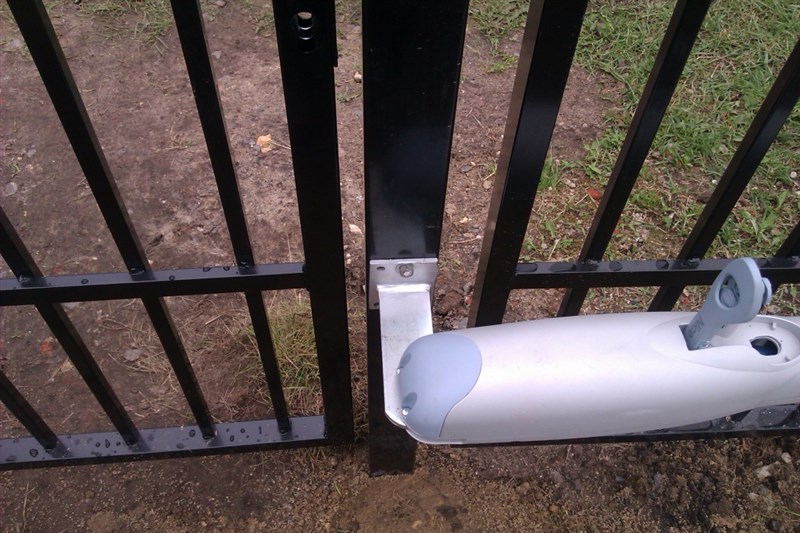
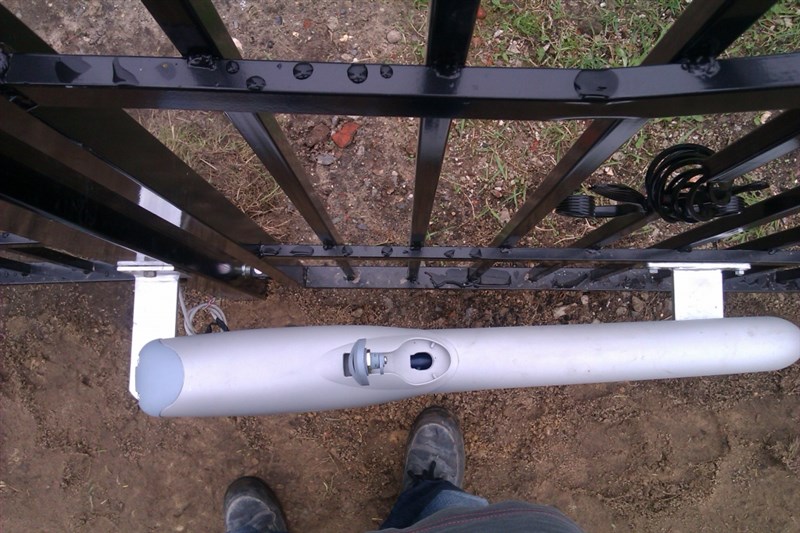
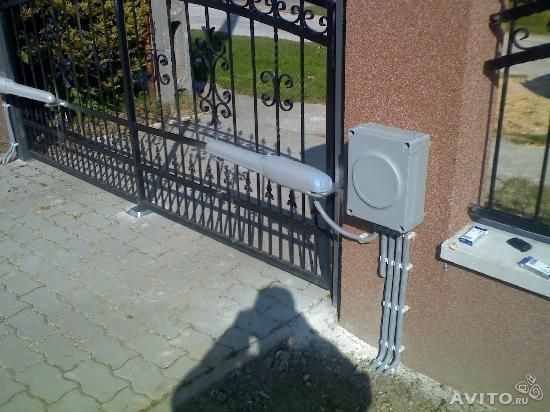
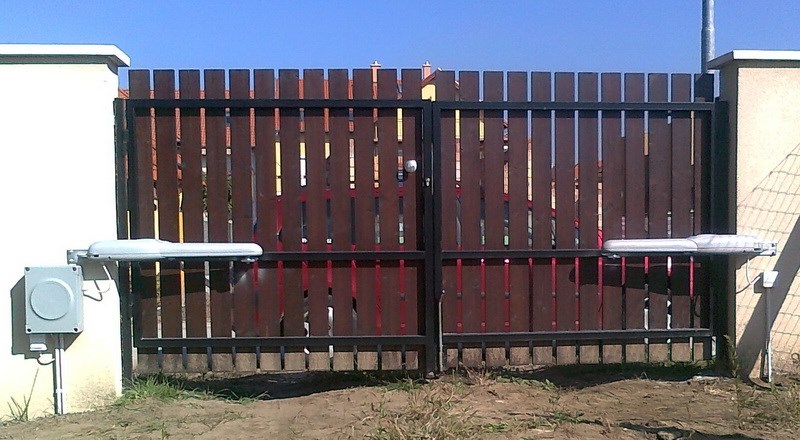
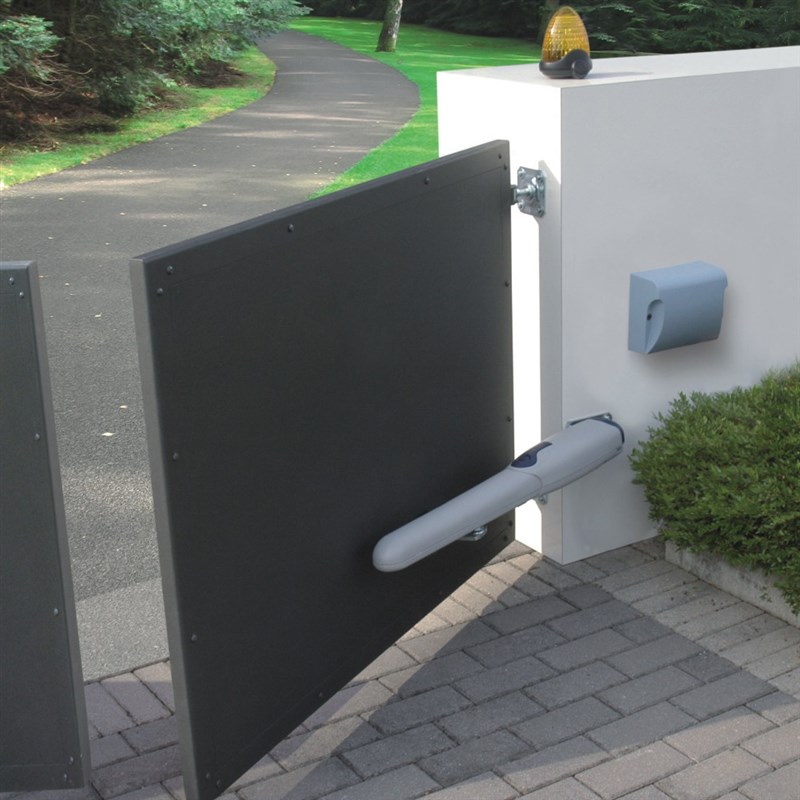
Installation example |
Installation example |
Installation example |
|
Installation example |
Installation example |
Installation example |
|
Installation example
|
Drive, released |
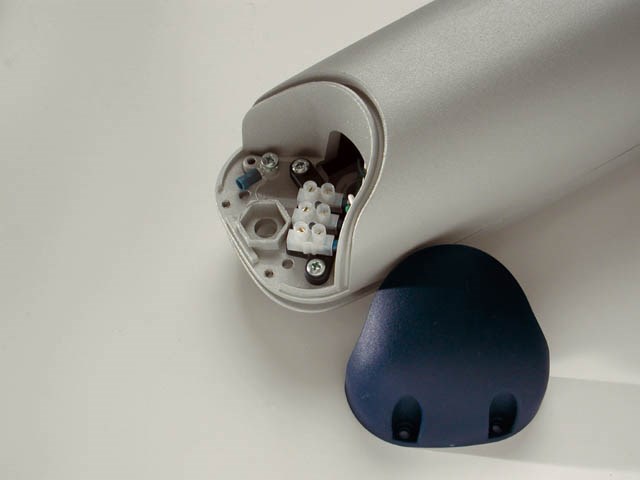
Drive with cover removed |
|
Rear section, viewed from below |
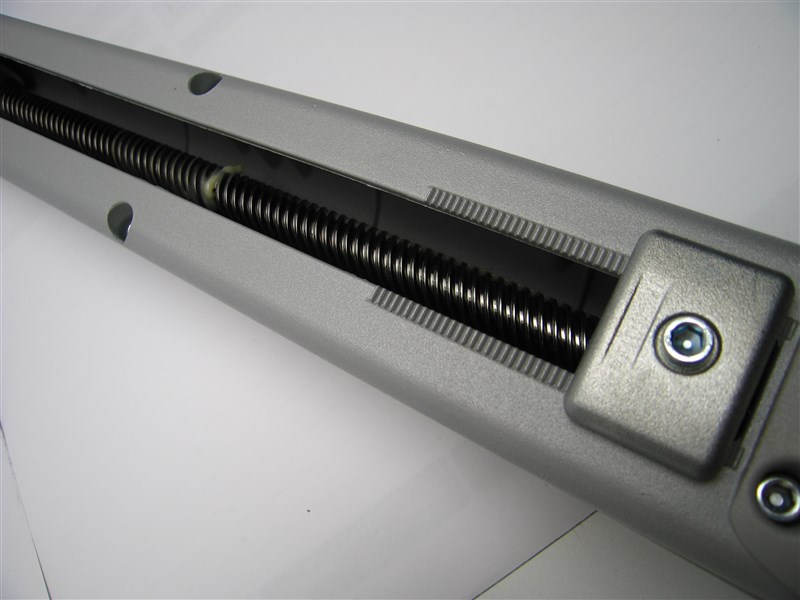
Worm screw and internal mechanical stop |
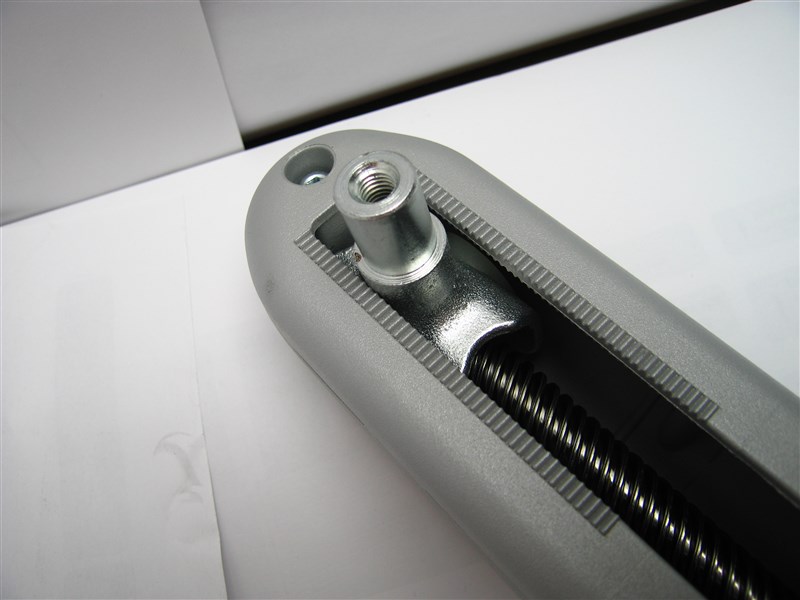
Front section, viewed from below |
|
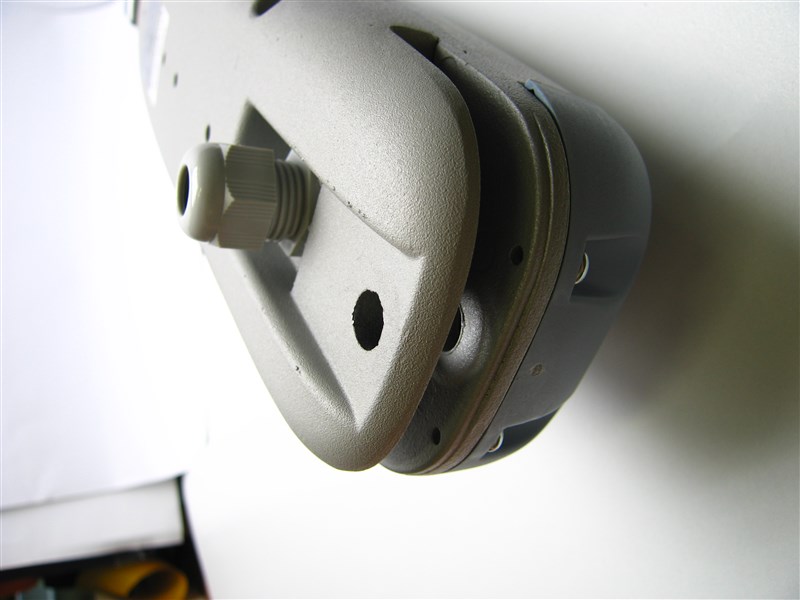
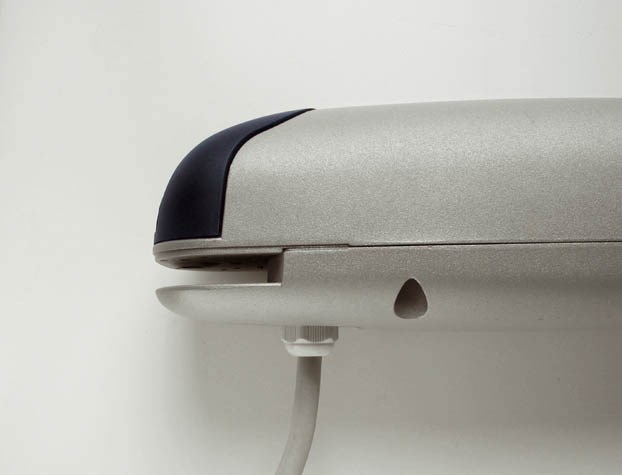
Rear section with cable connected |
Technical specifications
| Detailed technical specifications for NICE Wingo WG3524 drives > | Detailed technical specifications for the NICE Moonclever MC424LR30 control unit > |
How can I order this item?
Choose the option that suits you:
- order online: use the buy button to add the goods to your shopping cart (you will find the buy button here in the product variants table).
- order by email: place your order at [email protected]

