All gate or drive control options
Shop:
More information:
Automated gates and barriers can be operated in several ways, which are compatible with one another and can be combined as needed. These options are compatible and can be combined as needed.
Remote controls
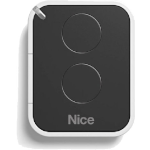
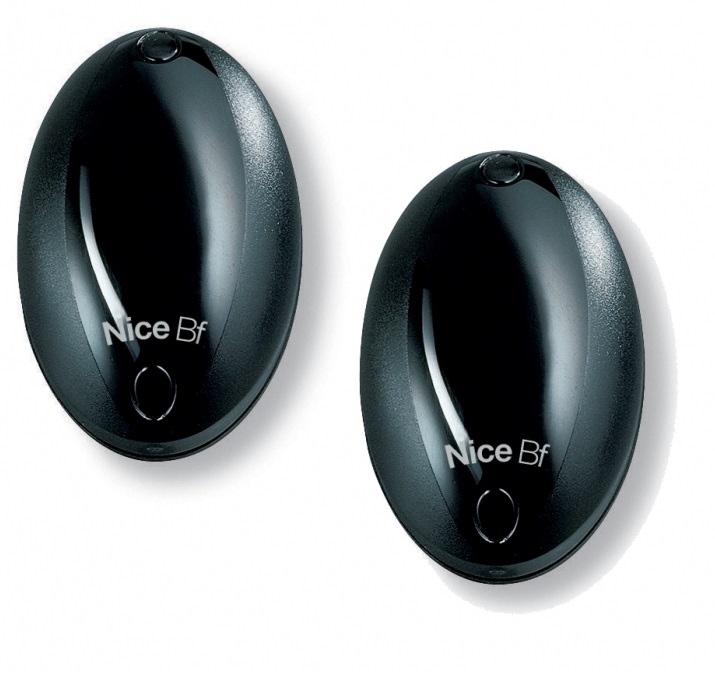
Remote controls (transmitters) are the most common way to operate a gate. Remote controls can differ not only by manufacturer, but also by coding type and frequency. If you are unsure whether your remote controls are compatible, please contact us.
What should I consider before choosing remote controls?
If you already have a remotely operated device (e.g. a garage door) and are choosing an operator for an entrance gate, you may be able to operate both using a single remote control. However, you will need a compatible operator from the same manufacturer, with a receiver that operates on the same frequency and uses a compatible coding type. Even if the operators are from different brands, you can still operate them using a single remote control. In this case, you may find an external receiver from the same brand as the remote controls helpful; it can be connected to the operator of another brand. We will be happy to check compatibility for you if needed.
The most commonly used NICE remote control models are FLO2RE, FLO2R-S, ON2E.
One remote control can operate multiple operators (provided they use the same coding and frequency). To operate multiple operators, you can use a 4-button remote control, the FLO4RE or a 9-button remote control, the ON9E.
Remote controls have a range of around 10–20 m without an antenna. An external antenna can extend the range to approximately 100 m (depending on local conditions). The antenna is often built into the warning light, or it can be purchased separately.
We also offer a remote control with LORA technology, which extends the range to up to 500–1000 m. In addition to the remote control, you will also need a receiver that supports LORA technology.
If you already have any NICE transmitters, you can also use them with the new device, provided they use the same coding type. If the coding type is different or the brand is different, you can use an external receiver.
If you manage a large number of remote controls, you can label and keep track of them using the OBOX.
GSM module
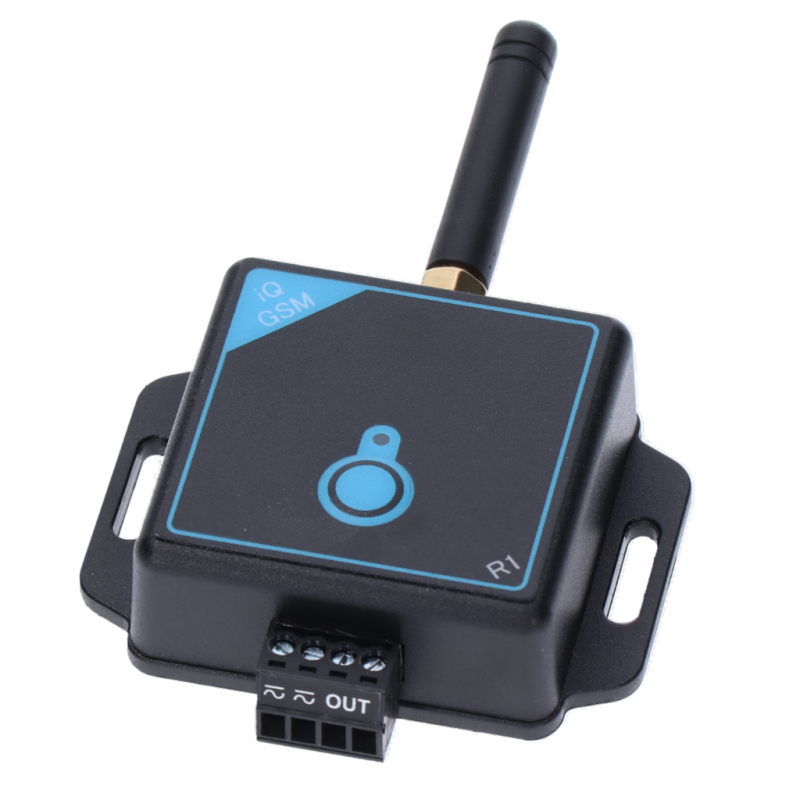
GSM module lets you operate the gate by calling it or sending an SMS.
Wi-Fi module
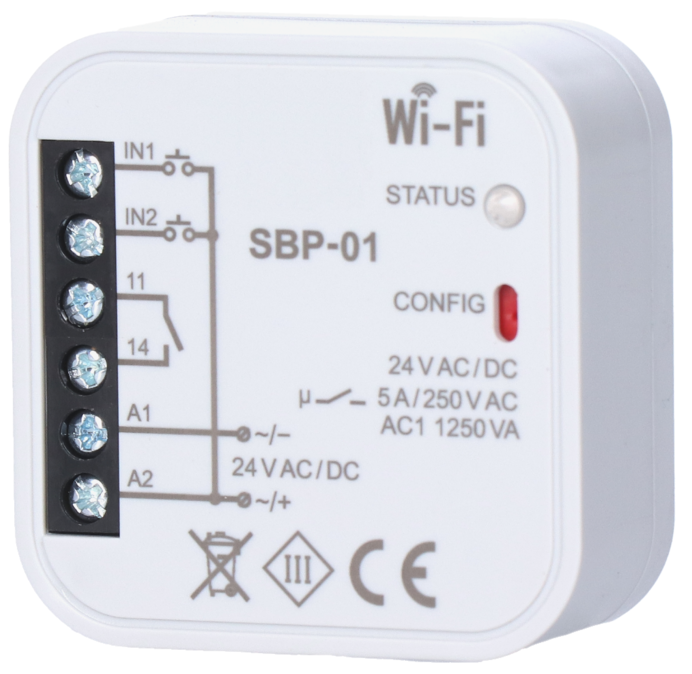
Wi-Fi module lets you conveniently operate the gate using a mobile app.
Timer
Time switches can send a pulse to the device at set times and on specified days.
Card reader
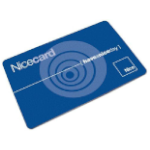
Using a card reader , you can command the gate to move simply by presenting a card or key fob.
Key switches
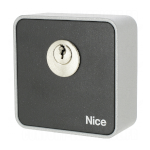
Key switches can open a gate or barrier with a simple turn of the key. A two-position key switch can issue up to two commands.
Keypads
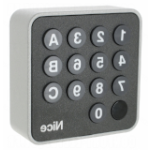
Enter a preset numeric code on the keypad to make the gate perform the selected action.
Number plate recognition camera
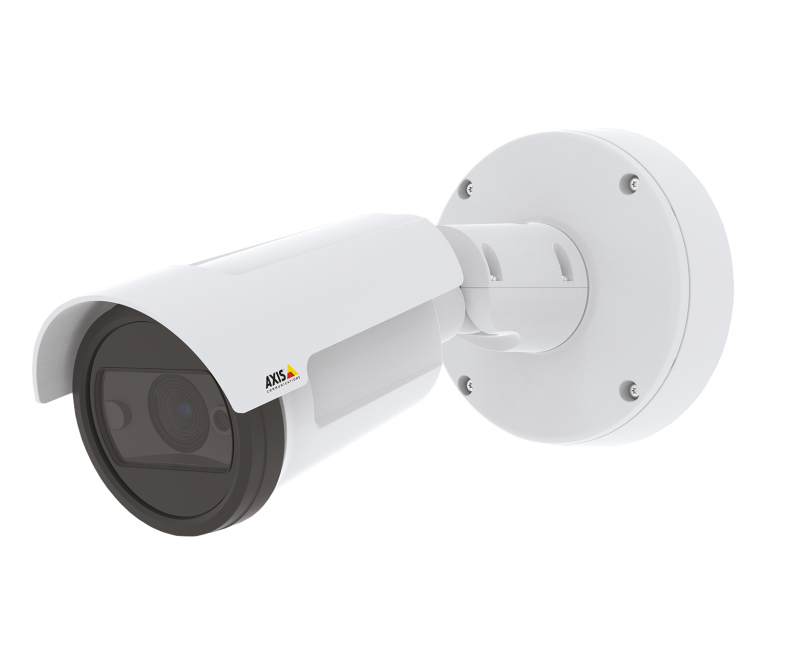
Open the gate or raise the barrier only for vehicles with an authorised number plate. The camera uses high resolution to compare the number plate against a database and, if there is a match, carries out the preset command.
Inductive loops
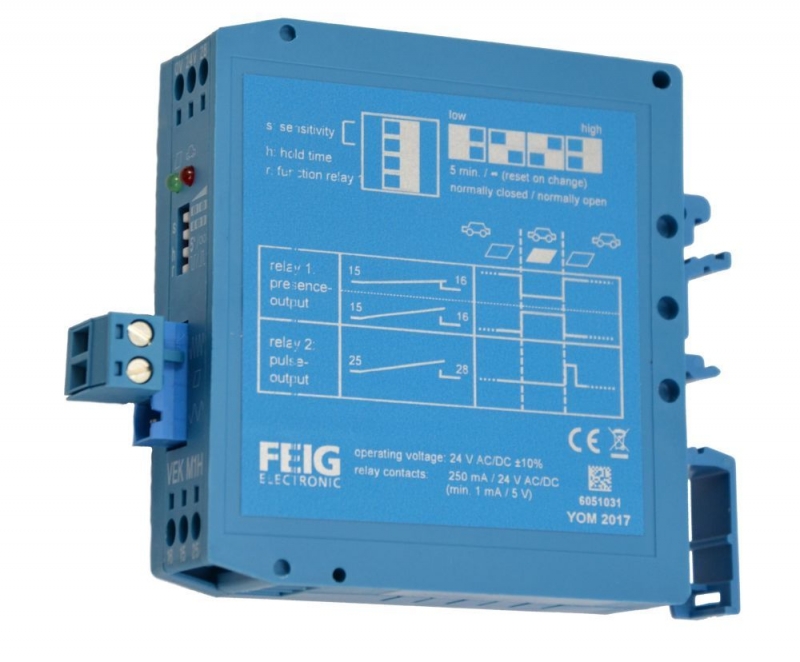
Using a magnetic metal detector and an induction coil , you can create a sensor that is installed beneath the road surface. The sensor can detect a vehicle at a specified location, and the operator responds according to the configured automation (open, close, etc.).
Wireless buttons
Buttons may have different numbers of channels, and selected models are also designed for use with other automated systems (shutters, awnings, etc.).
If you are unsure which control option is best for you, we recommend standard remote controls. You can add another control device later.

