Technical support for TFE GSM modules
Our range includes the following TFE brand GSM modules, in various versions, for controlling gates:
For SECTRON brand GSM modules, visit the dedicated technical support page.
| iQGSM-R1 | iQGSM-R2 | iQGSM-R4 |
|---|---|---|
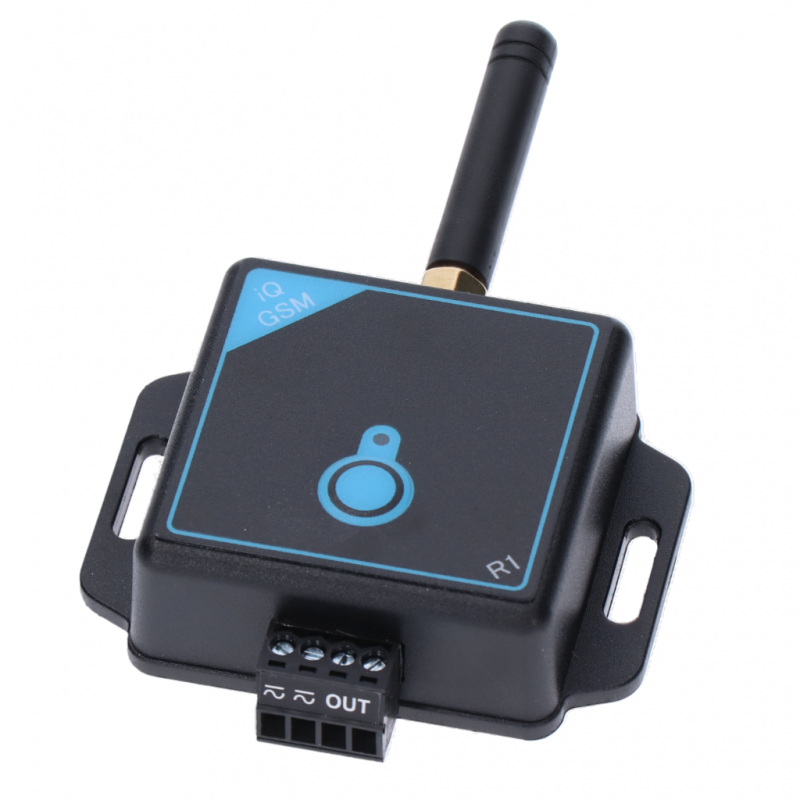 |
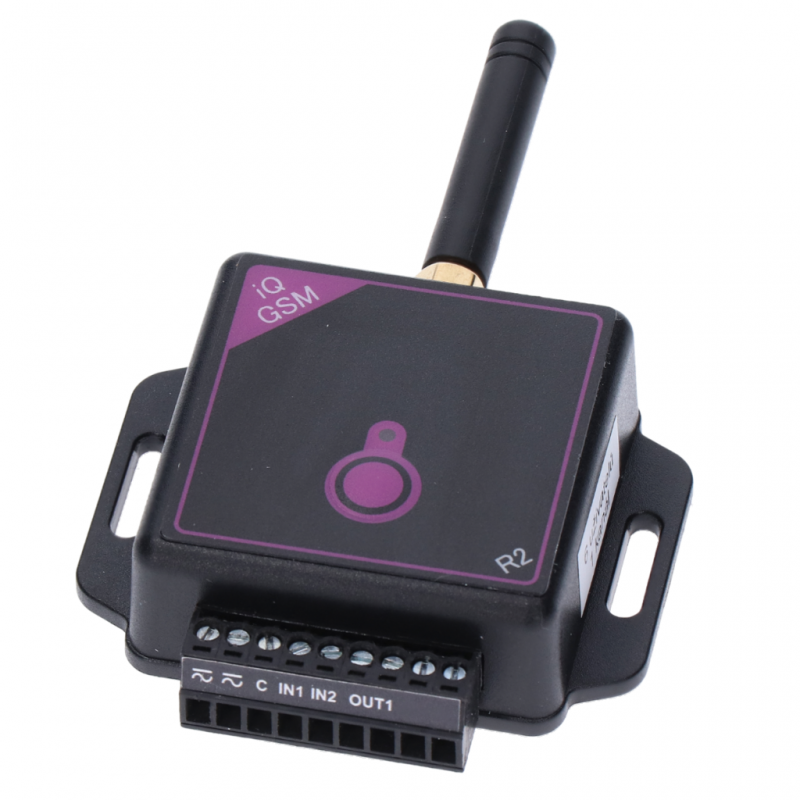 |
 |
|
|
|
Frequently asked questions and answers:
After inserting a SIM card into the device, SMS messages don't work (the device doesn't reply to the Info SMS "1234 Info").
-You probably haven't activated the SIM card (activation depends on your mobile network operator).
Is there a manual for connecting your GSM module?
-Yes, at this link you'll find a general guide explaining how to connect the GSM module iQGSM to a gate operator or garage door.
I've been using your GSM module without any problems for a long time, but it suddenly stopped working. I can't call it (it's unavailable), and the red LED is flashing. What could be causing this?
-Check the SIM card. If it's a prepaid SIM, you may have run out of credit, or the SIM may have been disconnected because it expired (credit wasn't topped up). To check, we recommend inserting the SIM card into a regular phone and verifying that you can call it. To check, we recommend inserting the SIM card into a regular phone and verifying that you can call it.
I've connected your GSM module, but the green LED keeps flashing and it can't connect to the network. What could be causing this?
-The likely cause is an inadequate power supply—in other words, a "soft" power supply that can't provide enough peak current for GSM network registration (transmission).
This peak current draw is very brief, lasting only a few milliseconds, but the power supply must be rated to handle it. Otherwise, the supply voltage drops, the device resets, and it repeatedly tries to connect to the network.
If the GSM module is powered directly from the gate operator, check that the terminals you're using are intended to power external devices. It's not enough to use a multimeter to find "some" terminals with "some" voltage. The terminals must be intended for supplying power and be adequately rated.
If you power the GSM module from a separate supply, such as a 12V adapter, make sure it's suitable for GSM devices and can handle current surges. Some power supplies, even those rated at 1A or more, can't handle peak loads—they "drop out" and disconnect.
How can I tell if the GSM module is compatible with my gate operator?
-The iQGSM-R1 GSM module was designed as a universal unit that can be connected to all common gate operators. So far, we haven't come across a gate operator that the GSM module couldn't be connected to. You can find the manual for connecting the GSM module at this link.
How is control kept secure if the GSM module is activated by a missed call?
-iQGSM only carries out a command if it recognizes the caller's phone number. Unknown numbers are ignored. The number authorized to control iQGSM must first be stored in the device's memory. Numbers are easy to save to memory: just press a button or send SMS commands remotely. This is clearly demonstrated in the manufacturer's video.
What are the running costs? How much will it cost to open the gate using your GSM module?
-Control itself is free, since you only call the number and the call isn't answered. The only running costs are the SIM card's maintenance fees. A monthly plan is best, but you can also use a standard prepaid SIM card. With a standard prepaid SIM card, some operators require you to top up at least once every 12 months (depending on the operator) to keep the SIM active.
Can I continue using my existing remote controls with the GSM module?
-Our GSM module is designed not to interfere with or restrict the operation of existing equipment in any way. So everything connected to your device—remote controls, external buttons, and so on—will remain fully functional.
I'm installing an operator for my driveway gate and would like to control it with my phone. What do I need to do?
-Buy an iQGSM device and give it to the installation company installing your gate. They can simply connect the GSM module to the operator's control unit. You can watch the manufacturer's video, which clearly demonstrates how it's done. The video shows the wiring for a specific operator, but the procedure is similar for other operators.
I have a Robus electric sliding gate operator. Can your GSM module be connected to it?
-Our GSM module can be connected to virtually any existing gate operator. Whether during installation or with an operator that's already installed. For the type mentioned above, connect the iQGSM power supply to the operator's terminal block, to the STOP terminals (right input) and the SBS terminal (left input). Then connect the GSM module's output to the SBS terminals. Polarity doesn't matter—the iQGSM power supply and output are both universal. This installation takes only a few minutes. If any problems or questions come up, just call us—we're here to help.
Which SIM card and plan should I use in the device?
-Any standard-size SIM card can be used. Any plan will do; iQGSM only needs to receive calls and SMS messages. It's best to choose the cheapest monthly plan (so you don't have to worry about credit expiring), but you can also use a prepaid SIM card (you'll need to keep track of its credit validity).
I have an older Nokia and would like to control the gate easily, without having to look up its number in my contacts every time. How can I do that?
-It's very simple. Every phone, even the oldest models, has a speed-dial feature. For example, just save the gate's phone number to key 2. Then press it, and the phone will dial the number.
I have an iPhone and would like to control the GSM module using an app. Which one do you recommend?
-It's similar to the previous question. iPhones, like other smartphones, have speed-dial options. On an iPhone, these are called Favorites. Or you can download any speed-dial app. For iPhone, for example, Speed Dial or iSmart Dialer.
Does installing iQGSM require professional installation?
-Our iQGSM devices are very easy to install; just connect 4 wires to the operator's control unit. So anyone with even a basic understanding of electronics can do it. However, it depends on the situation and the type of connection. There are many options. If it needs to be connected to another device or system, or if relays and 230V power wiring are involved, we recommend using qualified professionals, primarily for safety reasons.

