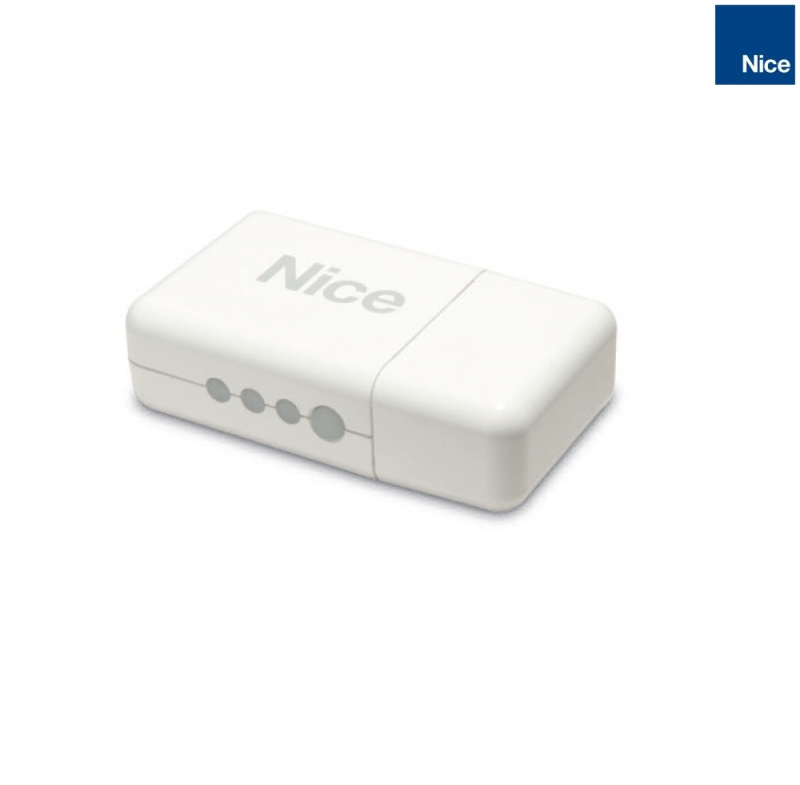
NICE CORE - Wi-Fi interface for controlling NICE receivers
| Product availability: | within 4 days | We usually dispatch the goods within 4 days. |
|---|
within 4 days
€145.44 including VAT
| Weight |
|---|
| 0,25 kg |
Description of NICE CORE - Wi-Fi interface for controlling NICE receivers
A brief note to start with
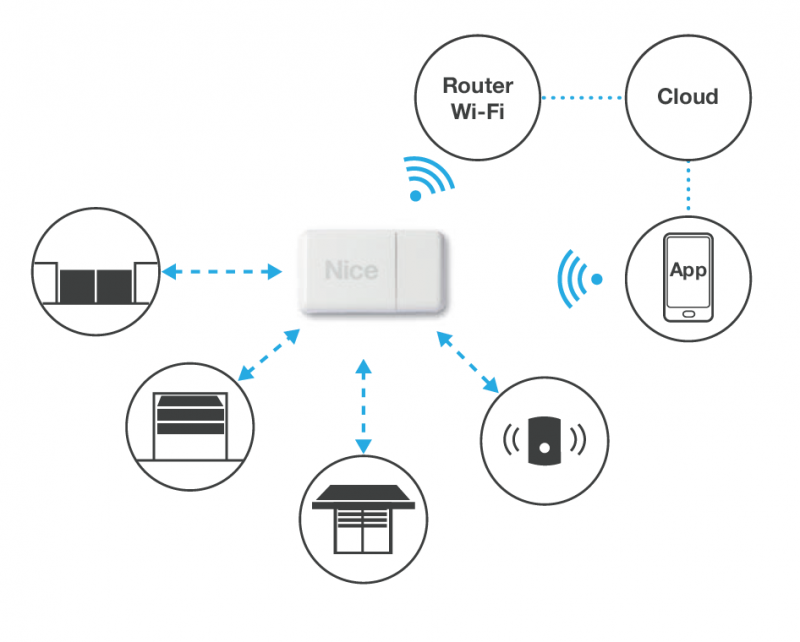
The Wi-Fi interface is a network device, which communicates with your smartphone from the local Wi-Fi network via the internet through an external Nice server. Since a network behaves like a living organism, you may experience occasional interruptions in functionality under certain circumstances.. Like any other network device, it requires occasional maintenance.. If you’re not completely comfortable with technology, or don’t want to complicate your life, this device may not be quite right for you.
If you’ve already taken the plunge and encountered an issue, you can visit our troubleshooting page for a similar device.
NICE CORE is essentially a remote control operated from your phone connected to the internet using the MyNice Welcome app (ANDROID),(IOS). Place NICE CORE inside your home where it will have a good Wi-Fi signal and be within radio range of the drives you want to control with it. In the app, select a drive and send it a command; NICE CORE will then send a signal to the drive, just as if you had pressed the remote control.
NICE CORE is compatible with both unidirectional and bidirectional receivers.
It is powered via a USB cable,, but you can also insert two AA batteries, ideally rechargeable NiMH batteries, so you can control your automation systems even in the event of a power outage (provided, of course, that you have backup power supplies in the drives too).
It has lots of other advanced features, such as timed scenarios, specifying which signal to send to each operator and when, or it can receive signals from a NICE flood sensor or NICE smoke detector,, etc., and carry out the required actions based on them.
Instructions for resetting the NICE CORE device:
Complete reset
You can reset CORE and erase all settings (users, scenarios, devices and Wi-Fi). In this case, press and hold the RESET button (6) for at least 10 seconds. All the LEDs will start flashing red; release the RESET button at that exact moment. CORE will restart.
Factory reset
Connect CORE to the power supply while holding down the RESET button. The Radio status LED (9) will start flashing red. Press and hold the RESET button for at least 10 seconds. The Radio status LED will stop flashing; release the button at that point.
How can I order this item?
Choose the option that suits you:
- order online: use the buy button to add the goods to your shopping cart (you will find the buy button here in the product variants table).
- order by email: place your order at [email protected]

