Gate electronics: What are all the components for?
An overview of essential and optional electronics
Gate automation starts with the drive, but that’s far from the end of the story. A few more components are needed for the gate to work properly. Some are included as standard, others expand the drive’s features, and some are optional.
Electronics for gate drives
Every drive component has a purpose. Take the time to review each component and learn what it does.
| Electronics for sliding gate drives | Detail | ||
|---|---|---|---|
 |
Standalone sliding gate drive | Detail  |
|
|
First and foremost, there’s the drive itself. A Nice electromechanical motor with a control unit that handles the entire gate automation system. |
|||
 |
Control unit | Detail |
|
|
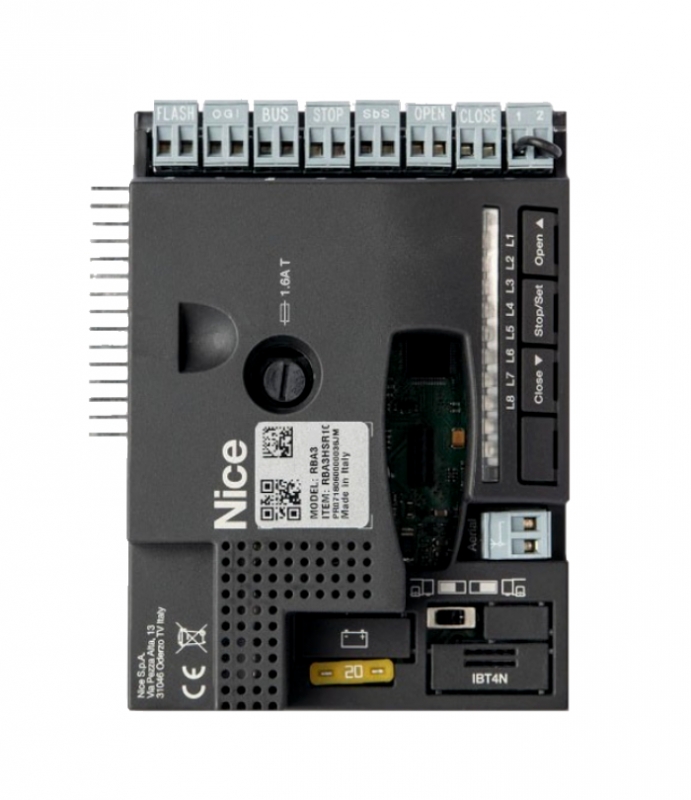
Every sliding gate drive comes with a control unit.. It’s built right into the drive, so don’t look for it in the box. The receiver and other add-on electronics connect to the control unit. |
|||
 |
Receiver | Detail |
|
|
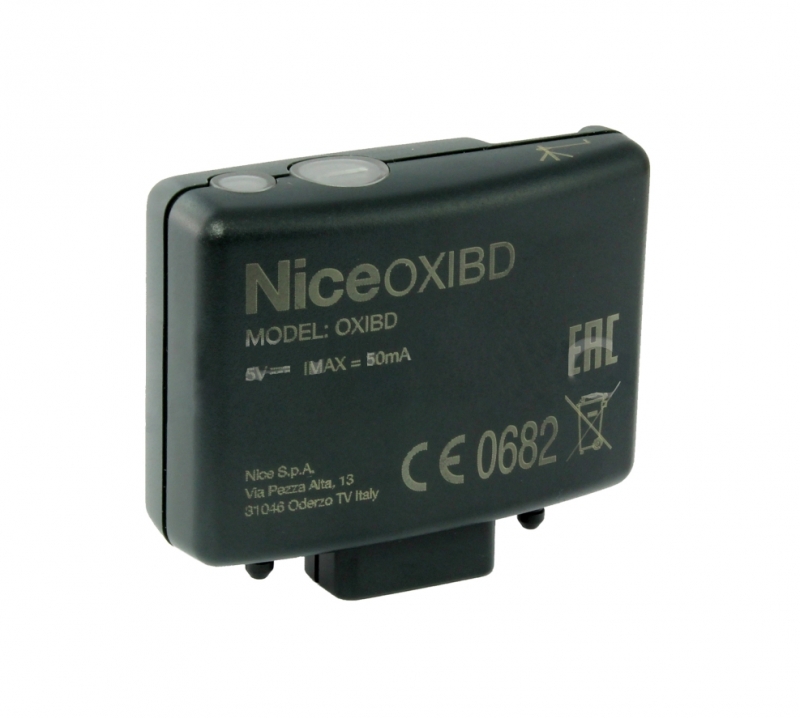
The receiver is used to receive radio signals from remote controls (transmitters). The receiver picks up the signal from the remote control, decodes it, and sends a command to the control unit. Please note: Some control units have a receiver built in, so it may not be included in the package.. Receivers come in different types: standard receivers for regular remotes, Wi-Fi receivers for mobile apps, or GSM receivers for phone control. |
|||
 |
Remote control (transmitter) | Detail |
|
|
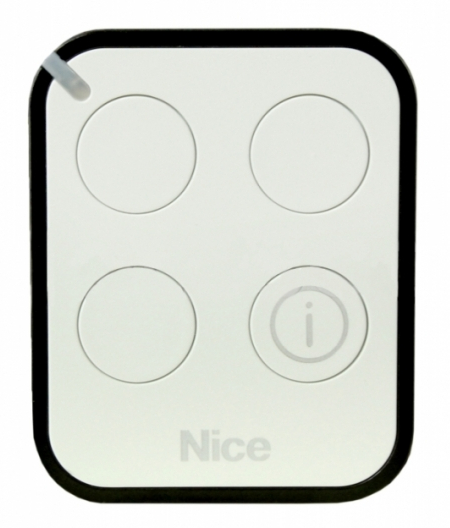
A remote control (also known as a transmitter) is a device that communicates with the receiver. The receiver and antenna determine the distance over which these two devices can communicate. Remote controls come in a variety of shapes, sizes, colors, and with different features.. The number of buttons determines how many gates you can control (drives) or let you send different commands to a gate using different buttons. Remote controls are compatible with one another based on their coding. The easiest option is to buy the same remote control you already have. We’ll be happy to help you check compatibility and choose a new remote control. |
|||
 |
Safety photocells | Detail |
|
|
Safety photocells are installed on either side of the opening. They create an infrared beam, which, if interrupted by a car or pedestrian, for example, sends a signal to the drive to stop the gate, or prevent it from opening. |
|||
 |
Warning light | Detail |
|
|
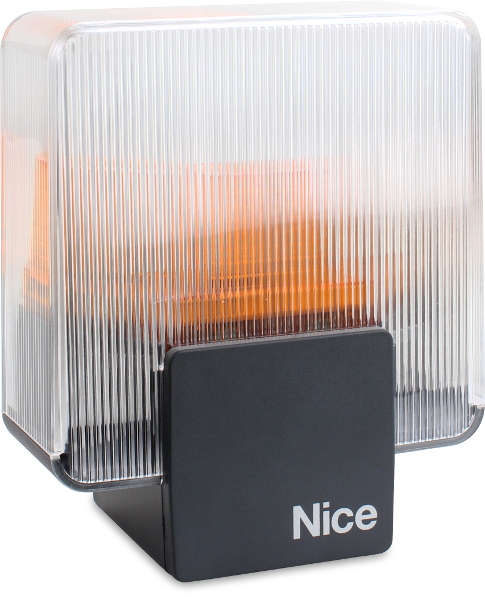
A warning light, also known as a flashing light, has three important functions - 1) it provides a visual signal while the gate is opening or closing, 2) it has a built-in antenna to extend the range of remote controls, and 3) it can diagnose drive faults, then indicate them by flashing; the number of flashes tells you what the problem is. With this warning light, you can extend the remote-control range to around 150 metres (from the original 20 metres) and identify motor faults more quickly. |
|||
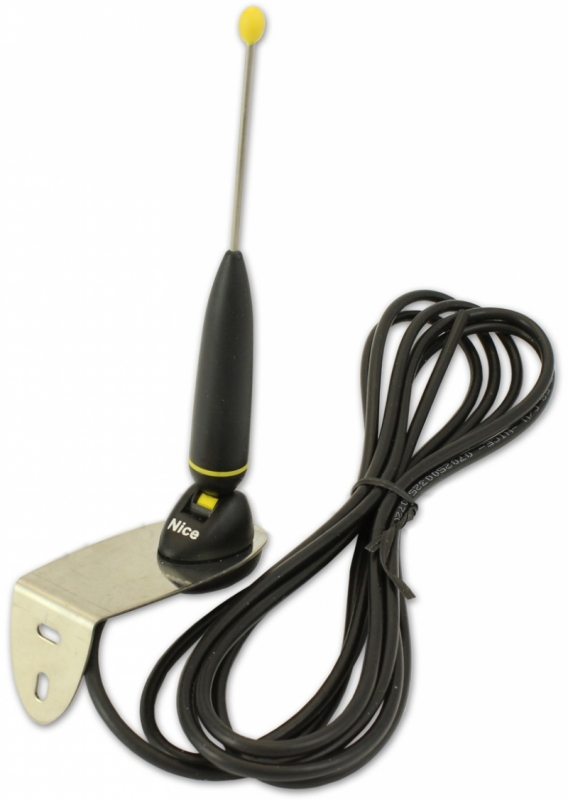 |
External antenna | Detail |
|
|
An external antenna extends the remote-control range to around 150 metres (from the original 20 metres). This is useful if you don’t have a warning light, or don’t want one for any reason, but need to extend the range of your remote control. |
|||
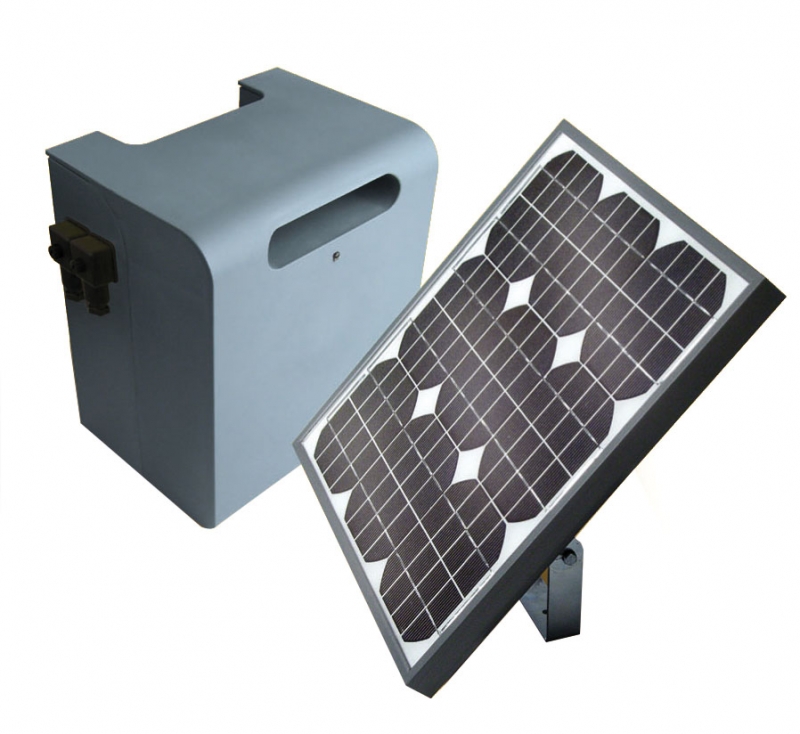 |
Backup power supplies | Detail |
|
|
A drive is an electronic device, so it won’t work without power. In that case, the drive remains locked, and you won’t be able to force it open by hand. However, the package includes release keys, or you can purchase a backup power supply, which provides a few extra operating cycles during a power outage (approximately 10 extra cycles). The backup power supply can be a rechargeable battery, continuously charged from the mains, or even a solar panel. |
|||

