A typical situation with an ON3EBD transmitter in an environment with a high level of radio signal interference
The ON3EBD two-way remote control has a built-in receiver that receives gate status responses from the drive. This means that, in theory, it can (but does not have to—and often does not) receive rolling codes from other devices in the home transmitting on the same frequency, even in standby mode (boiler thermostat, air conditioner, weather station, alarm, wireless doorbell, keyless car entry, etc.). Interference from other wireless devices can affect the ON3EBD transmitter and cause:
- rapid battery drain
- short range for the remote controls
- other issues
To resolve this, reprogram the entire remote control for unidirectional operation:
1. Switching to unidirectional mode:
To switch the entire remote control to unidirectional mode, you must follow these steps for each button on the remote.
- On the ON3EBD remote control, press the "i" button three times.
- Press and hold the button you want to switch until the LED lights up red.
- Done
2. Pair the remote control with the drive again:
| Pairing in Mode I. |
Pairing in Mode II. |
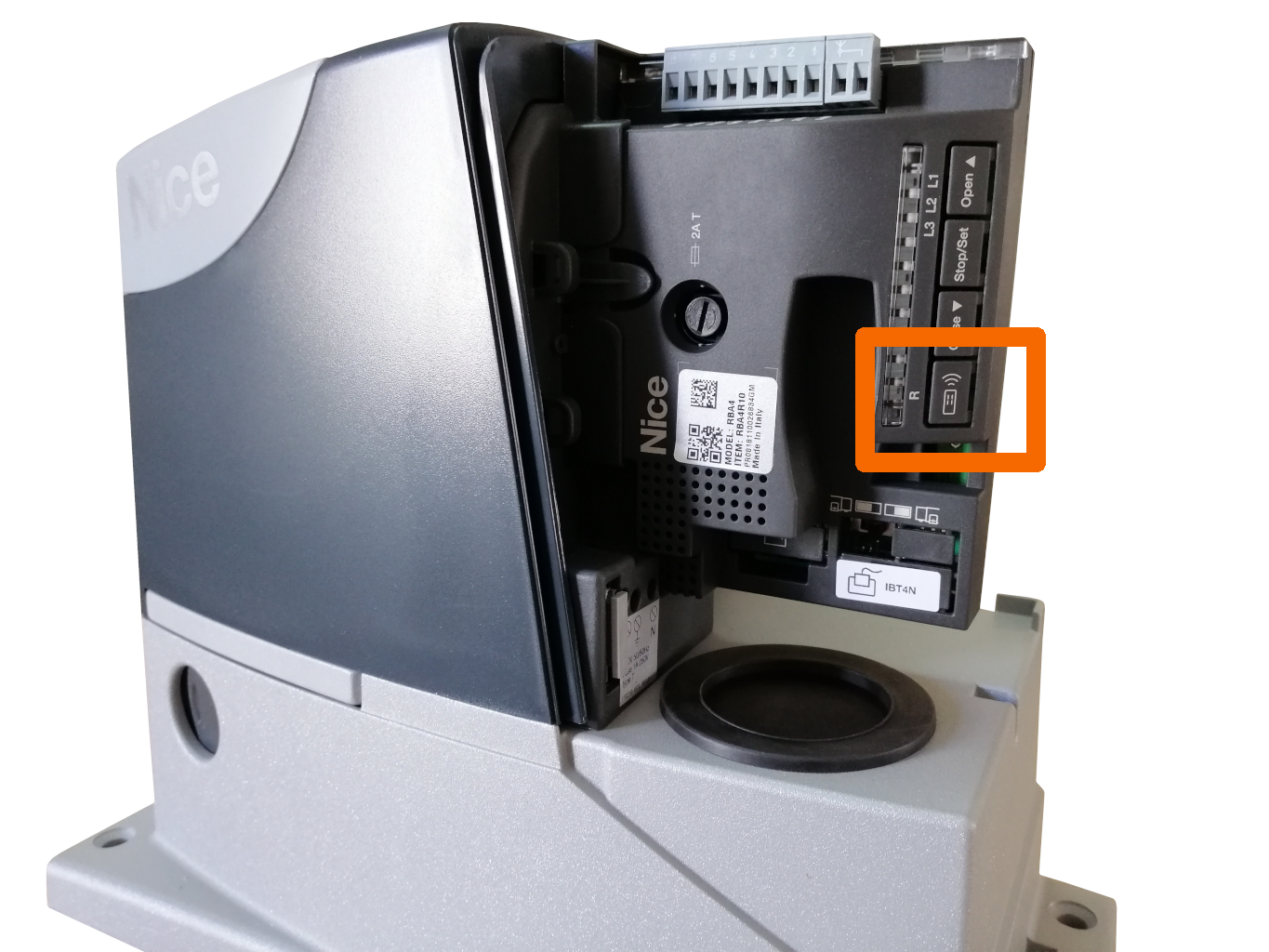
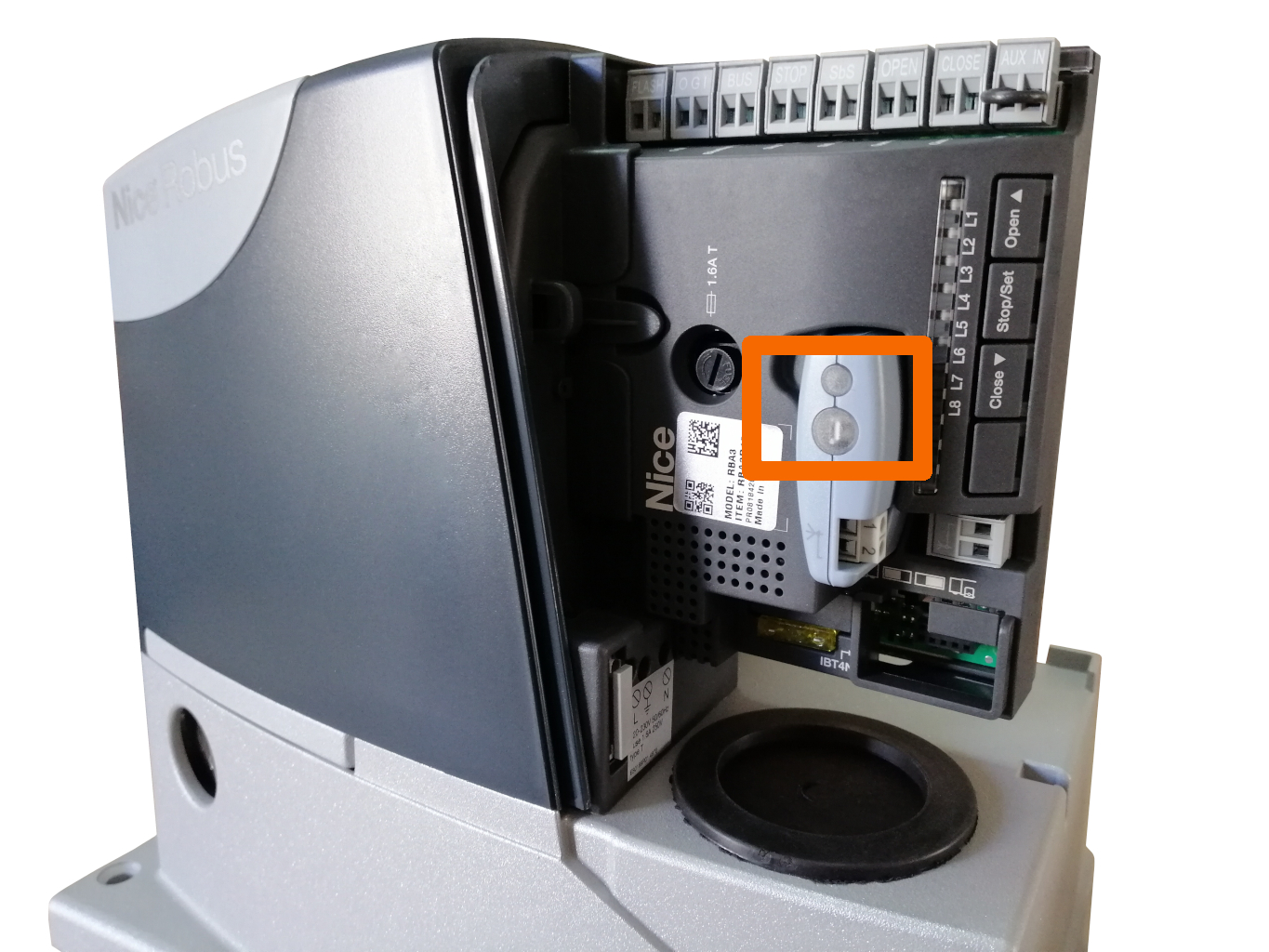
- Press the R (RADIO) button on the control unit (or the button on the receiver) and hold it until the R (RADIO) indicator (or the indicator on the receiver) lights up, then release it.
- Within 10 seconds (while the indicator is lit), press and hold any button on the remote control until the R (RADIO) indicator on the control unit (or receiver) flashes three times, then release the button on the remote.
- To pair additional remote controls, repeat step 2. You have 10 seconds to do so after pairing the last remote control. You have 10 seconds to do so after pairing the last remote control.
|
Pairing the remote control in Mode II is done in two steps:
1. Selecting the command
2. Pairing the remote control
Procedure:
- Press the R (RADIO) button on the control unit (or the button on the receiver) as many times as the command number you want to assign to the button, according to the table.
- The R (RADIO) indicator on the control unit (or receiver) will flash as many times as the number of the command you want to pair, and will continue flashing.
- If the number is correct, within 10 seconds (while the indicator is flashing), press and hold the desired button on the remote control until the R (RADIO) indicator on the control unit (or receiver) flashes three times, then release the button on the remote.
- To pair buttons on additional remote controls with the same command, repeat step 3. You have 10 seconds to do so after pairing the last remote control.
|