8 ways to control not only the barrier
An overview of all controls for barriers and gates
A barrier or gate (or other NICE automation) can be controlled in various ways. The most commonly used option is a standard remote control, but you can also use a key switch, digital keypad, card reader, mobile phone call, and other options.
From standard remotes to smart solutions
Browse the overview of the different ways to control a gate or barrier.
If you are buying an additional remote, we have also included Instructions for pairing remote controls.
| 8 ways to control more than just a barrier | Details | ||
|---|---|---|---|
 |
Remote controls | Details  |
|
|
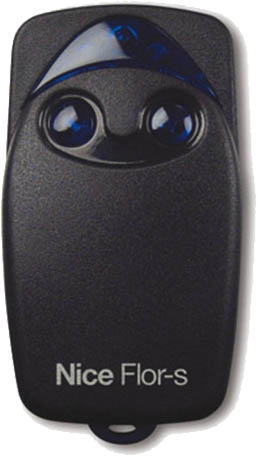
Remote controls in a range of shapes, colors, styles, functions, and button configurations. The latest remote models can indicate the gate's status or control it from a distance of up to 1 kilometer. Depending on the number of buttons, you can control the same number of devices (operators) or send the same number of commands to one device. When choosing a remote control, check its frequency and coding. The easiest option is to buy the same remote you already have, but we will be happy to help you choose the right one. |
|||
 |
Digital keypad | Details |
|
|
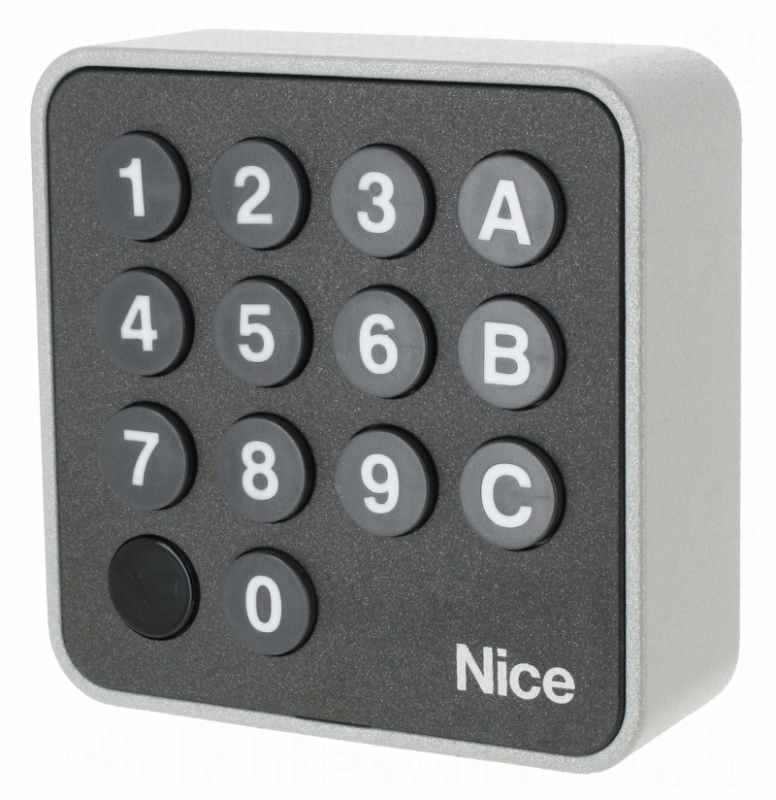
The keypad can control up to 3 devices. It is easy to use: simply enter your own 4–8-digit code on the keypad. As well as standard wired connections, a wireless version is also available. It pairs with the operator like a standard remote and then controls the operator using a numeric code. |
|||
 |
Card readers | Details |
|
|
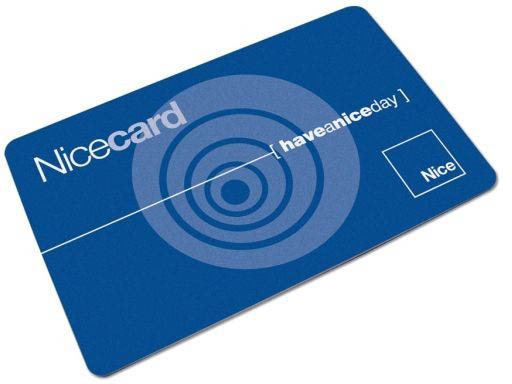
This popular way of opening gates and barriers consists of a reader (a transponder, the device you hold the card up to) and the card itself, or a key fob. The card is the size of a standard credit card and can be signed or printed on. The key fob is smaller and more practical. |
|||
 |
Wireless buttons | Details |
|
|
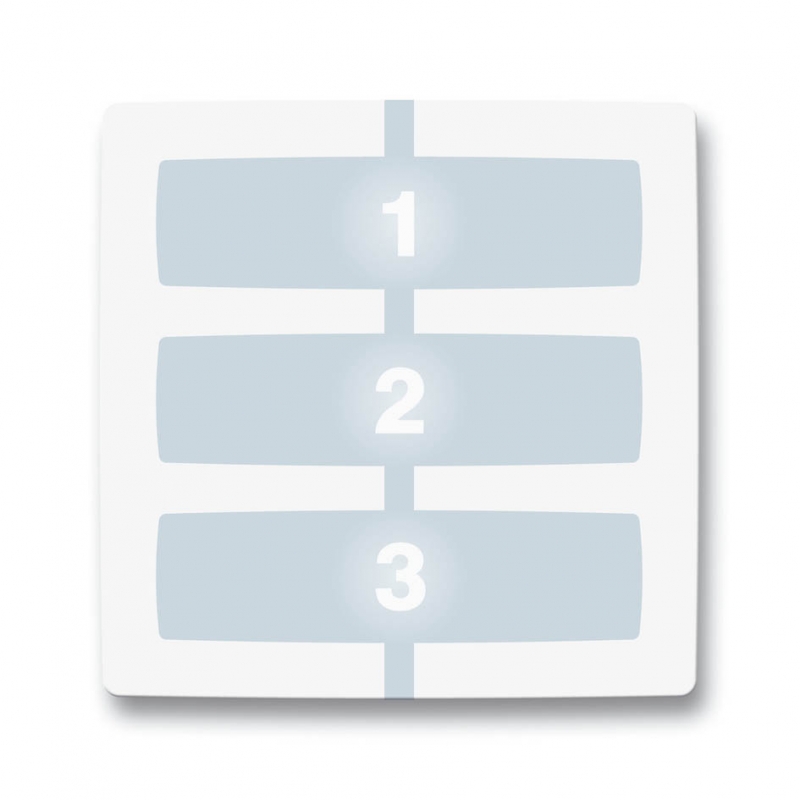
Wireless buttons for mounting on a wall or elsewhere. If you need to keep a control in a fixed location at home, at work, or at a gatehouse, wireless buttons are ideal. Controls with different numbers of buttons are available, along with a variety of covers and extensions. |
|||
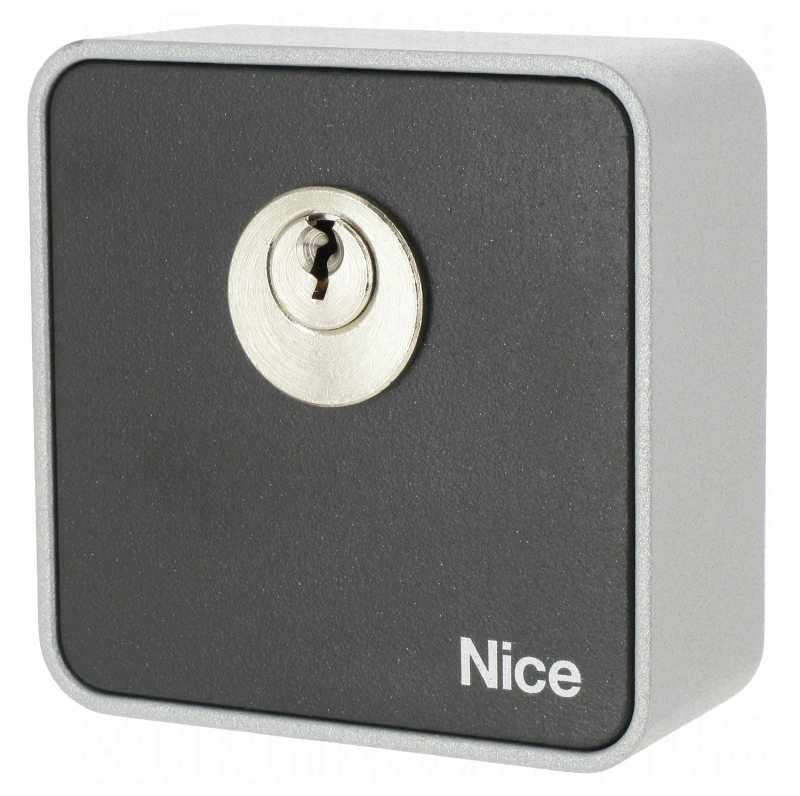 |
Key switches | Details |
|
|
A key switch is a simple device with two positions. Turning the key to the right or left activates the relay. Ideal as a backup control method. |
|||
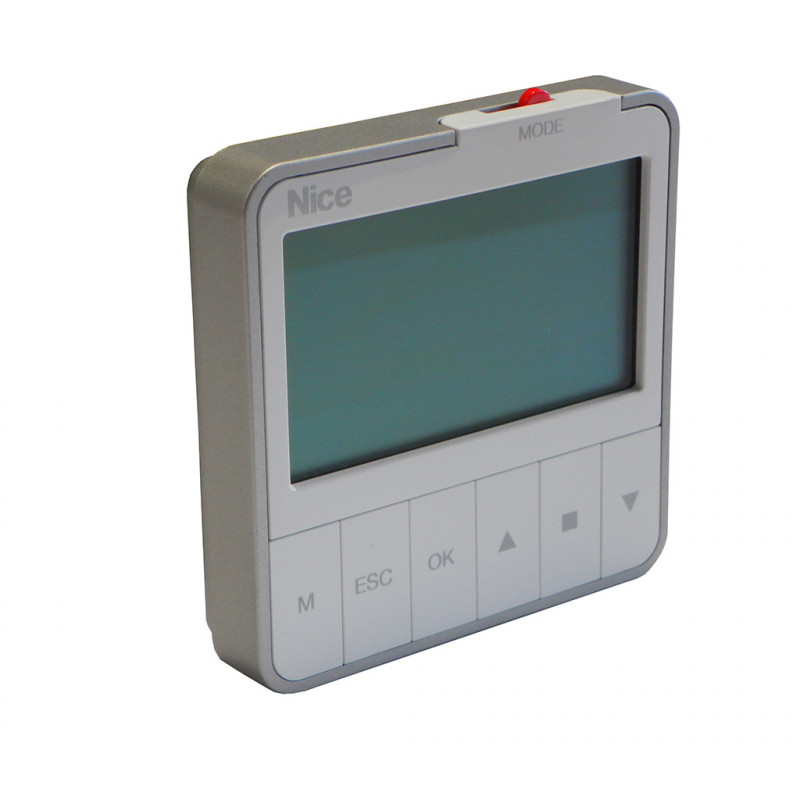 |
Automatic timers | Details |
|
|
If you want to open and close the barrier at specific times, automatic timers are ideal. They send a command to the barrier at the set time, specified in hours and minutes. |
|||
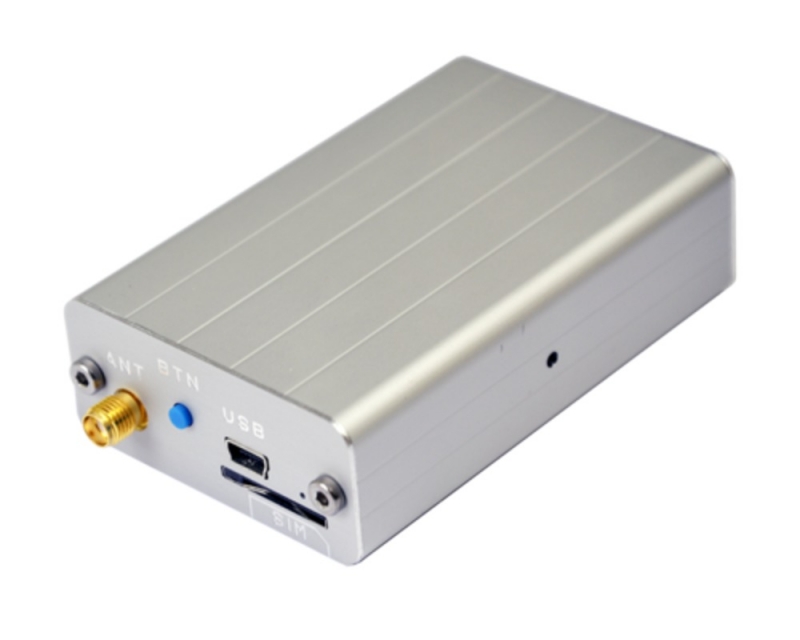 |
GSM module | Details |
|
|
The GSM module opens a gate, garage door, or barrier when you call its number and let it ring. Insert an active SIM card with its own number into the module. When that number is called, the module sends a command to the control unit. Of course, each module lets you create a list of authorized numbers that it will accept. This prevents anyone who knows the module's number from controlling the gate. |
|||
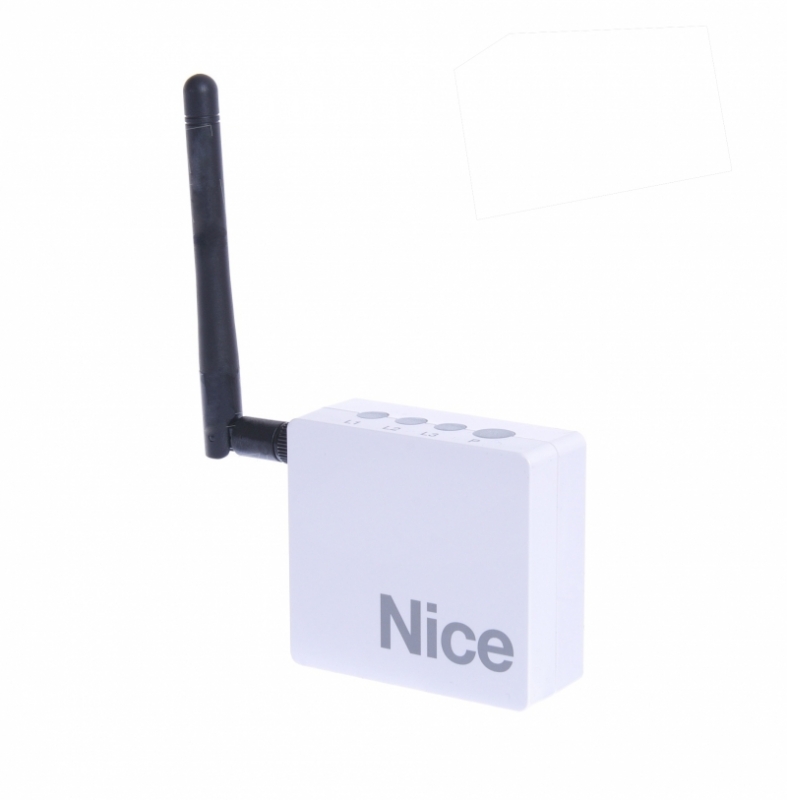 |
Wi-Fi module | Details |
|
|
A smart Wi-Fi receiver for conveniently controlling operators with smartphones. There is one requirement to bear in mind with this module: the Wi-Fi receiver must be within range of your home Wi-Fi network. Once set up and paired, the gate can be controlled through an app, including over mobile data. |
|||

